
Mobile Banking
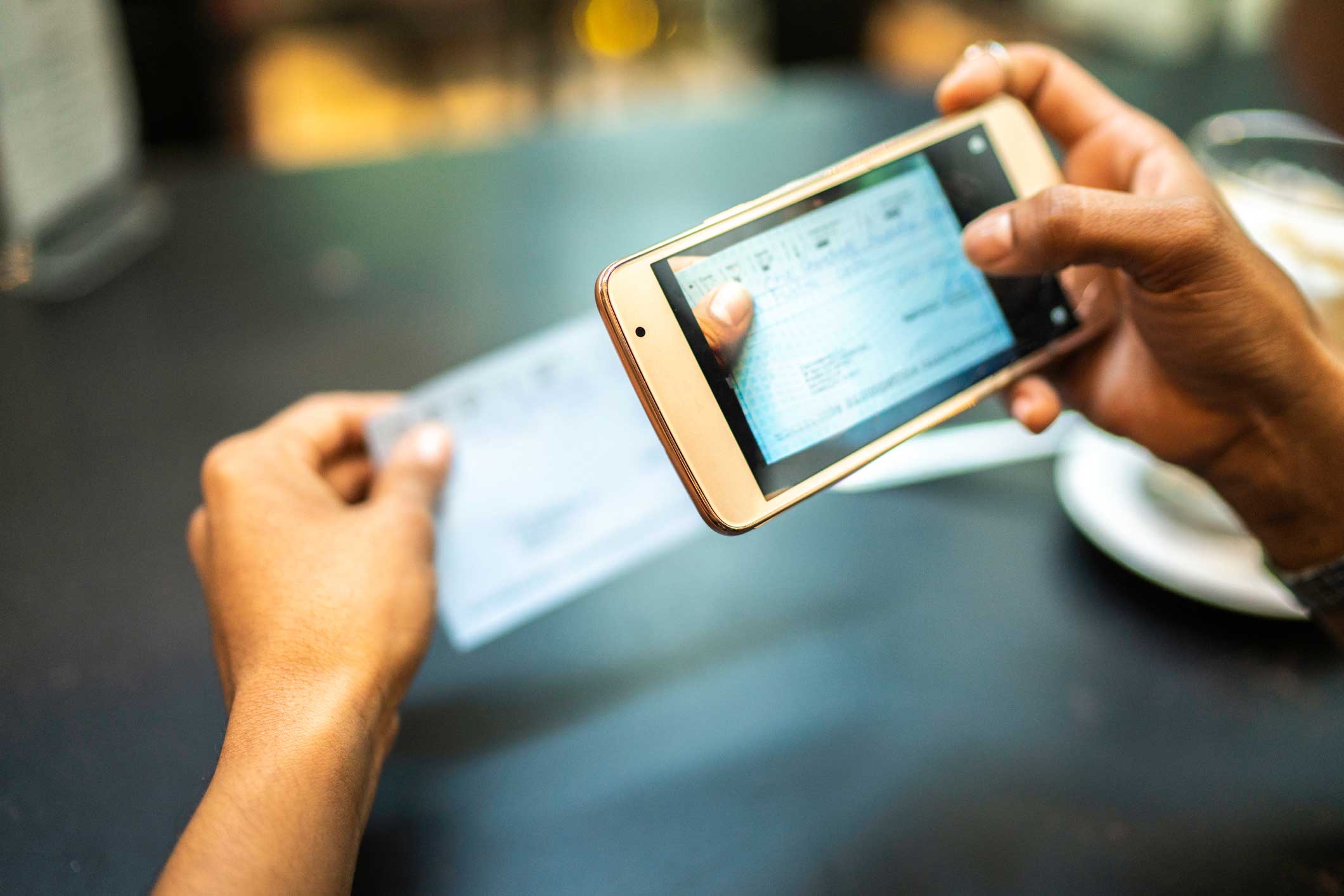
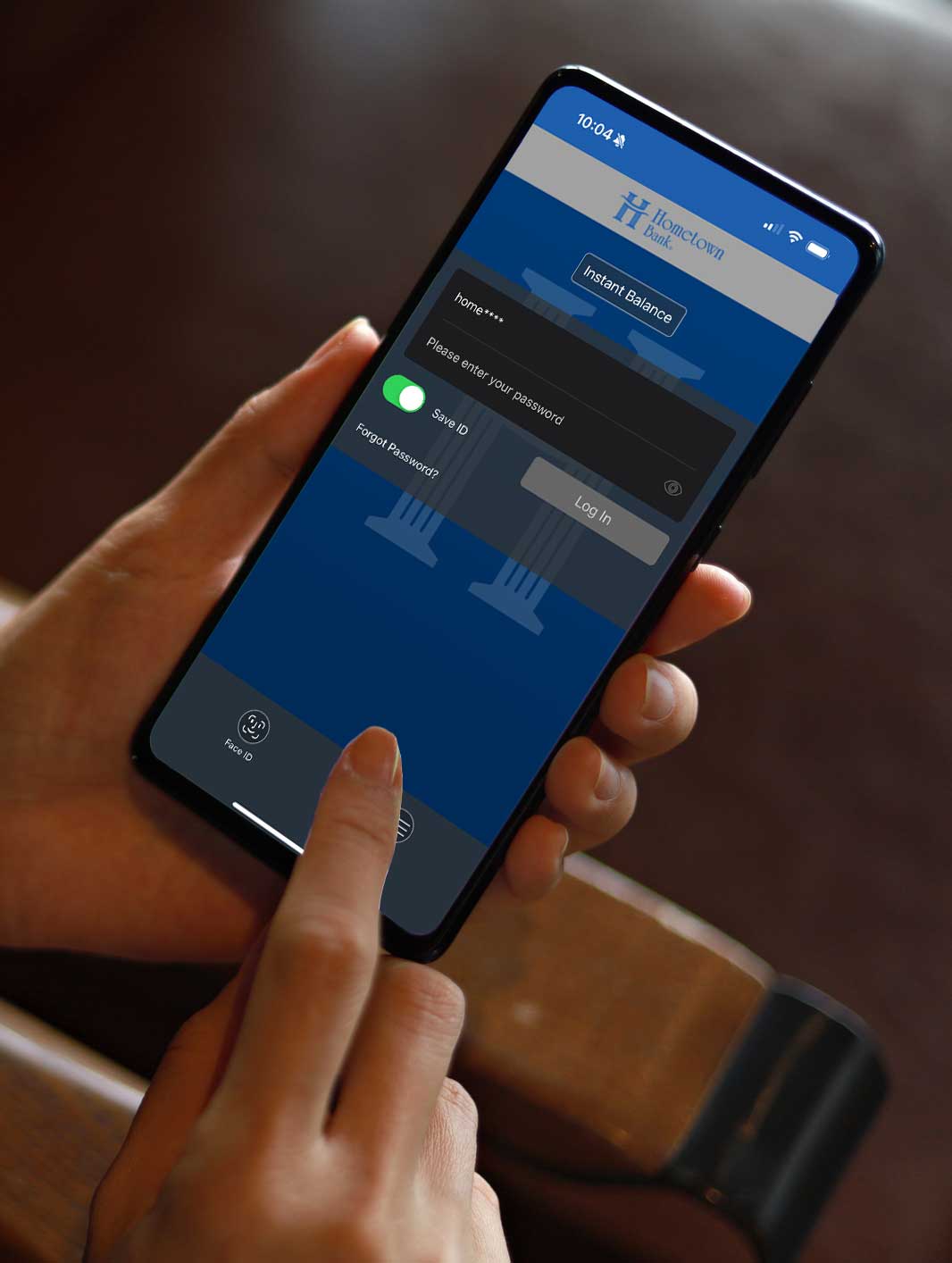
Our free mobile banking service is available on your phone! Simply download the app and access your account information from anywhere. You can even sign up for Text banking and receive account updates via simple text prompts.
- You must have Online Banking to get started
- Log into Online Banking, click on “Options”, and “Enroll Now” on the mobile banking section
- Search for “Hometown Bank, OH” in the Apple App Store, or in the Google Play Store, or use the links below.
- Log in to your app with the same user name and password you use for online banking!


Smart protection, right at your fingertips
With CardGuard®, you’re in control—anytime, anywhere.
- Instant card on/off if something looks suspicious
- Real-time alerts for purchases, refunds, and unusual activity
- Spending controls by location, merchant type, or dollar amount
- Peace-of-mind monitoring that helps stop fraud before it starts
All without extra apps, extra fees, or complicated settings.
Why CardGuard®?
Because protecting your money shouldn’t feel overwhelming—or out of reach.
CardGuard® delivers:
- Big-bank technology built into your everyday banking
- Clear, easy-to-use tools designed for real life
- Local support from people who know you, not a call center maze
If something ever does go wrong, you’re not on your own. Our team is here to help you take the next steps and get back to normal—fast.
Protection that moves at your speed
Whether you’re shopping online, traveling, or just keeping an eye on your account, CardGuard® helps you stay one step ahead of fraud—without changing how you bank.
Open your Hometown Bank mobile app today and turn on CardGuard®.
Security, control, and confidence—right in your pocket.
What is CardGuard®?
CardGuard® is a set of powerful card-security tools built directly into the Hometown Bank mobile banking app.
It lets you monitor activity, set limits, and take immediate action if something doesn’t look right.
Is CardGuard® an extra app?
No. CardGuard® is already inside the Hometown Bank mobile app.
There’s nothing extra to download and no new login to remember.
Does CardGuard® cost anything?
No. CardGuard® is included at no additional cost for Hometown Bank cardholders.
What can I do with CardGuard®?
With CardGuard®, you can:
- Monitor activity to catch fraud early
- Turn your card on or off instantly
- Get real-time alerts when your card is used
- See one-time and recurring payments
- Set spending limits and usage controls
- Manage travel plans
- Monitor activity to catch fraud early
How does CardGuard® help when I’m traveling?
CardGuard® helps your card work smoothly when you’re away from home. You can monitor transactions in real time, receive alerts for card activity, and quickly spot anything that doesn’t look right—whether you’re traveling across the state or across the country.
Set travel notices yourself without having to call ahead.
If a transaction is declined or looks suspicious, you can review activity immediately and take action right from the mobile app. And if you ever need help, Hometown Bank is just a call away.
How does CardGuard® help prevent fraud?
CardGuard® gives you early warning and fast control.
If you see a charge you don’t recognize, you can:
1. Stop additional fraudulent transactions before they happen
2. Lock your card immediately
3. Contact the bank right away
What if my card is lost or stolen?
You’re in control. If your card is lost, stolen, or you’re unsure about a transaction, you can turn your card off instantly right from the Hometown Bank mobile app.
Once the situation is resolved—or your card is found—you can turn it back on just as easily, without waiting on hold or visiting a branch. If you believe fraud has occurred, Hometown Bank is here to help guide you through next steps and make sure your account stays protected.
Is CardGuard® an extra app?
No. CardGuard® is already inside the Hometown Bank mobile app.
There’s nothing extra to download and no new login to remember.
What kind of alerts will I receive?
You can receive alerts for:
- Purchases and refunds
- Online or in-store transactions
- Unusual or unexpected activity
Alerts help you spot problems quickly—often before fraud becomes serious.
Can I set up notifications and controls for my card?
Yes. CardGuard® allows you to customize alerts and controls so your card works the way you want it to.
You can:
- Receive alerts based on location
- Set controls by merchant type (such as online purchases or specific categories)
- Monitor and control transaction types
- Create spending limits that fit your comfort level
These tools help you stay informed, reduce surprises, and add an extra layer of protection—without interfering with normal, everyday purchases.
How can I see spending insights on my card?
CardGuard® gives you a clear view of how and where your card is being used. You can review recent transactions, spot patterns, and quickly recognize activity that doesn’t match your normal spending.
Seeing your activity laid out in one place makes it easier to:
- Feel confident that your card is being used the way you expect
- Catch unauthorized charges early
- Understand everyday spending
- Feel confident that your card is being used the way you expect
Can I see who has my card information saved or set up for auto-renew?
Yes. CardGuard® lets you view merchants that have your card information stored, including recurring and automatic payments such as subscriptions or memberships.
This makes it easier to:
- See where your card is kept on file
- Identify auto-renewing charges you may have forgotten about
- Spot unexpected or outdated subscriptions
Please note: CardGuard® helps you see this information, but cancellations must be made directly with the merchant. If you have questions about a charge or need guidance, Hometown Bank is always available to help you understand next steps.
Is CardGuard® hard to use?
Not at all. CardGuard® is designed to be:
- Clear
- Simple
- Easy to understand—even if you’re not “tech-savvy”
Most features are just a tap or two away. If you have any questions, any of our knowledgeable employees will he happy to assist you.
What if fraud still happens?
If fraud does occur, you’re not on your own.
- Hometown Bank has specialists who help guide you through next steps
- We’ll explain what to do, who to contact, and how to protect yourself going forward
CardGuard® helps you act faster—and we help you recover.
How do I turn on CardGuard®?
Simply:
- Open the Hometown Bank mobile app
- Select your card
- Turn on CardGuard® features
If you need help, a Hometown Bank team member is always happy to walk you through it.
How do I access my uChoose Rewards®?
You can access your uChoose Rewards® directly through the Hometown Bank mobile app or online banking. From there, you can:
- View your available points
- Browse reward options
- Redeem points for merchandise, gift cards, travel, and more
Your rewards are always available to check, making it easy to see how everyday card purchases add up to something extra.